AI Chat
Ask questions and get personalized gardening advice based on your garden's specific conditions.
Getting Started with Chat
Each garden has its own AI chat assistant that knows about your garden's location, climate, soil, zones, and plants. Navigate to the Chat tab in your garden to start a conversation.
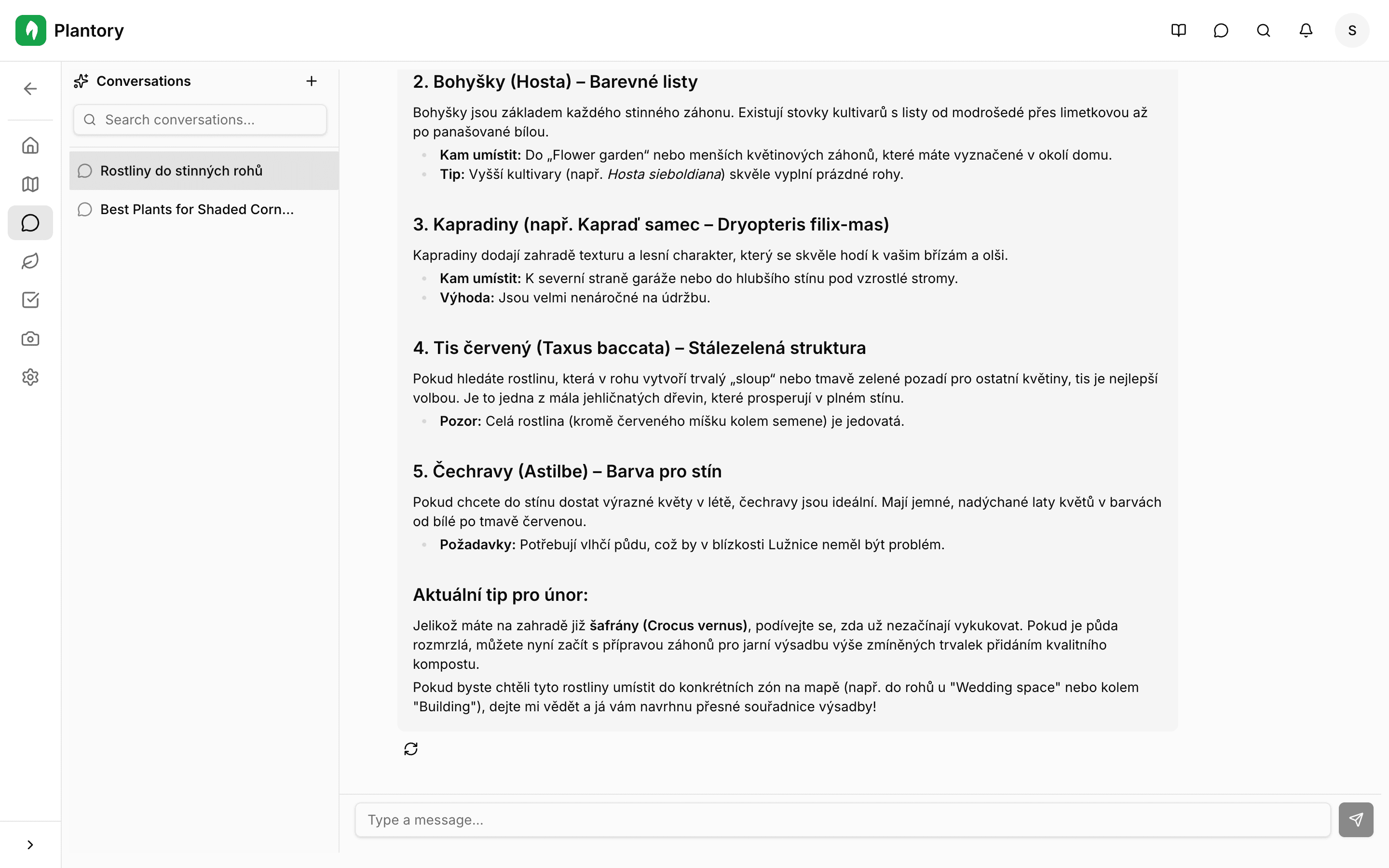
Context-aware advice
The AI assistant has full context about your garden including location, climate zone, soil type, existing plants, and zones. This means every answer is tailored to your specific conditions.
Managing Conversations
Conversations are organized into threads. You can create multiple threads to keep different topics organized.
Create a new thread
Click the New Thread button in the sidebar to start a fresh conversation.
Ask your question
Type your question in the input field at the bottom and press Enter or click Send.
Review the response
The AI will respond with personalized advice based on your garden's conditions. Responses stream in real-time.
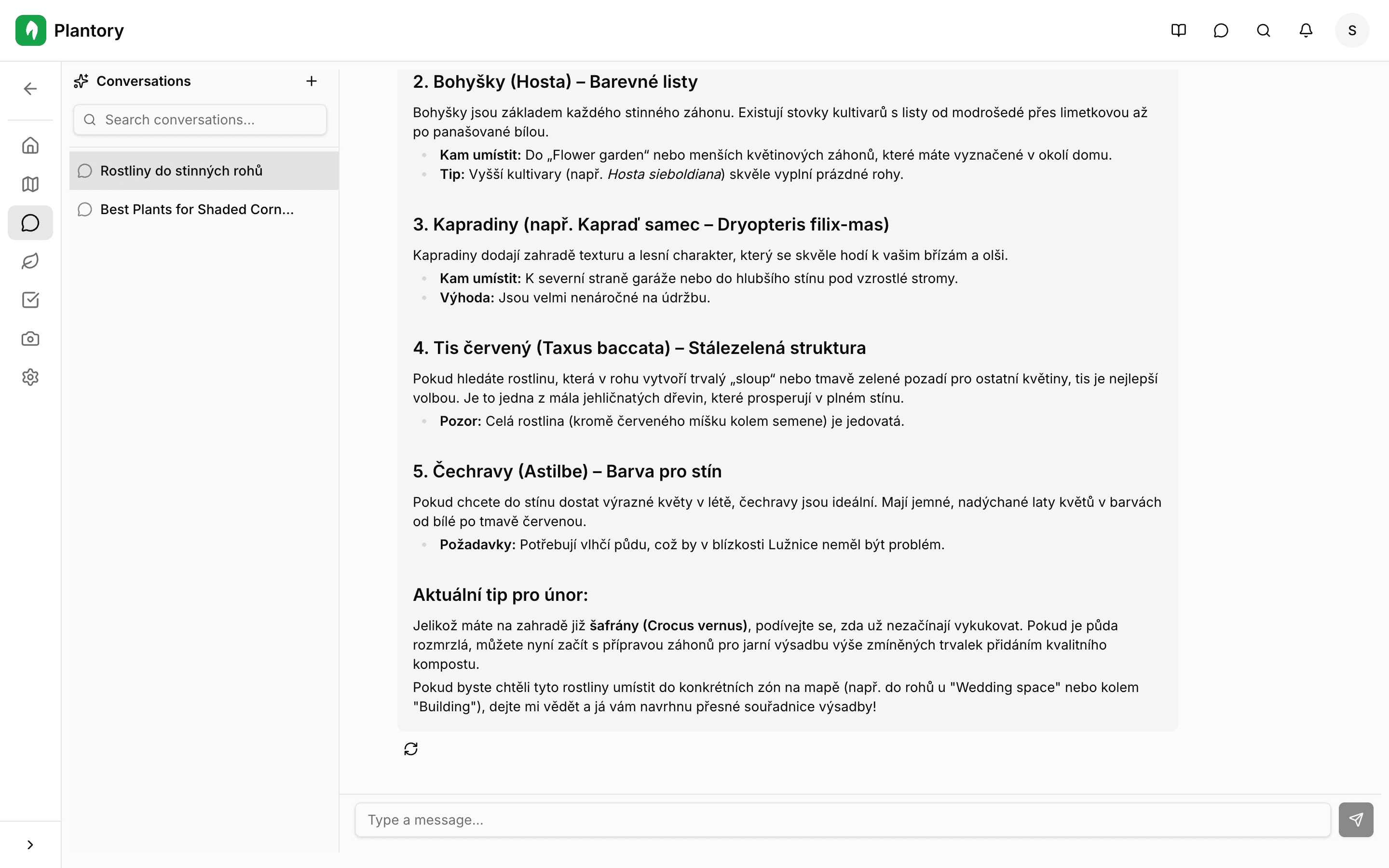
You can also:
- Search threads by keyword using the search field in the sidebar
- Delete threads you no longer need
- Switch between threads to continue previous conversations
Example Questions
Here are some great questions to ask your garden's AI assistant:
- "When should I plant tomatoes in my garden?"
- "What vegetables grow well in partial shade?"
- "How do I deal with aphids naturally?"
- "What companion plants work well with my roses?"
- "When is the best time to prune my fruit trees?"
- "How often should I water my herbs in summer?"
- "What cover crops should I plant in autumn?"
Be specific
The more details you provide in your questions, the better the AI can tailor its advice. Mention specific plants, zones, or problems for the most relevant answers.
Subscription
AI Chat is available on paid plans. The number of messages you can send depends on your subscription tier. Check your usage in the Billing section.